Watch it roll. See it land.
Every hotshot, dedicated and overnight load comes with a live GPS link, a text at every milestone and a signed, photographed proof of delivery. In your inbox, your portal or your ERP, and a live dispatcher behind all of it.
A text at every milestone.
The same four messages on every load, any hour, in every market. You don’t have to call to ask where it is.
- BookedThe order is in. You get a text confirming the load and the pickup.
- DispatchedA truck and driver are on the way to your pickup, with a live GPS link in the text.
- Picked upThe freight is loaded. The text confirms the pickup and the time it should arrive.
- DeliveredSigned for at the drop, with the proof of delivery, photo and signature, sent right behind it.
A link you can pass along.
The dispatched text carries a live GPS link to the truck on a map. Open it on a phone or at a desk.
Share it with your customer, your counter or the crew waiting at the jobsite. Everyone watches the same truck instead of calling you to ask where it is.
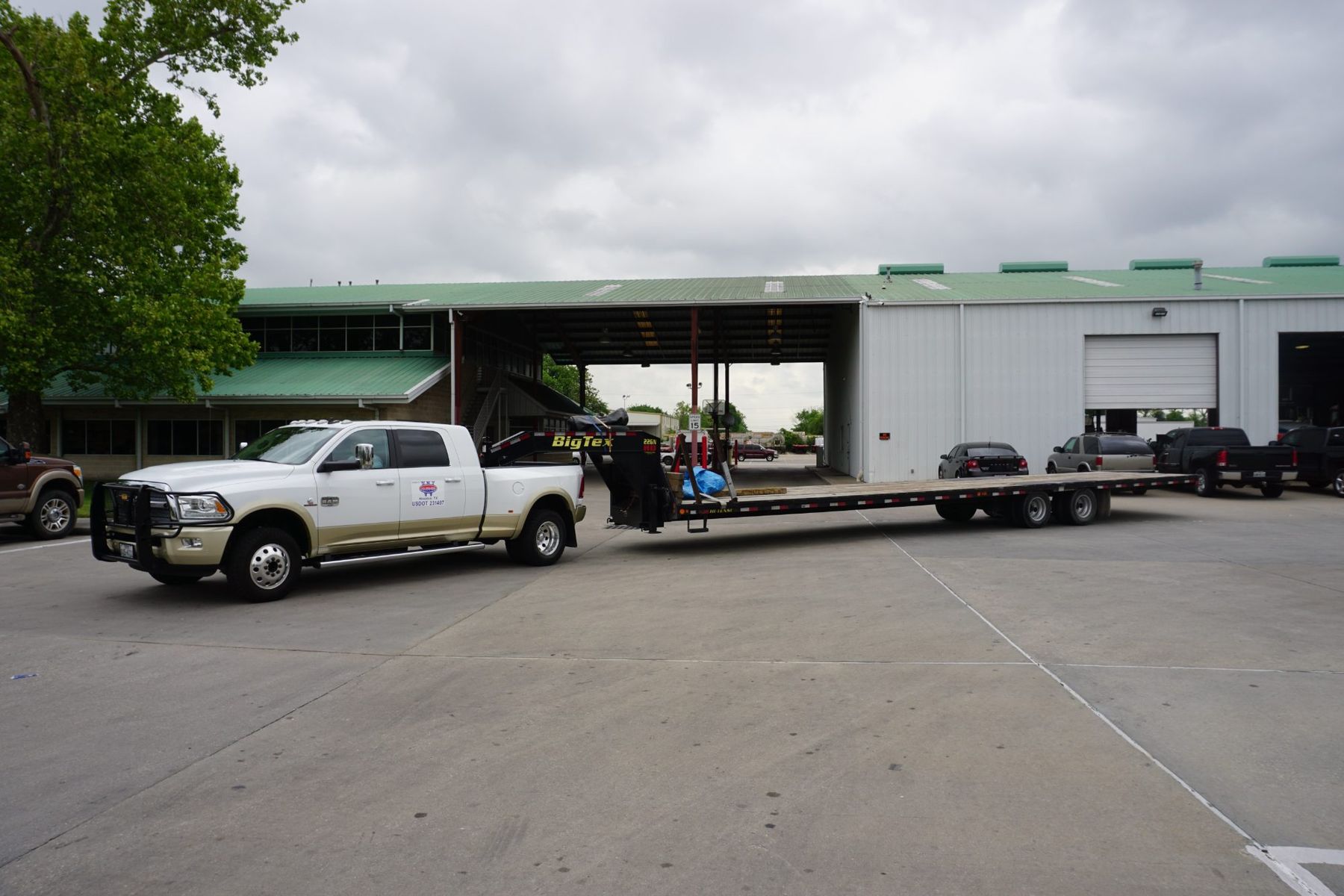
It works the same on a hot shot across the state, a dedicated route across town and an overnight replenishment run.
On every load. No add-ons.
Tracking is not an upgrade. Every load Superior runs, hotshot, dedicated, overnight, scheduled or same-day, comes with all of it.
- Live GPSA link to the truck on a map, to share with your customer or your counter.
- TextsA text at every milestone: booked, dispatched, picked up, delivered.
- PODA signed, photographed proof of delivery on every drop, every route, every night.
- EmailThe proof of delivery in your inbox, right after the drop.
- PortalYour loads, history and PODs in one login.
- APIProof of delivery straight into your ERP.
- DispatchA live dispatcher in your market, 24 hours a day, every day.
Signed. Photographed. Where you want it.
The driver takes a signature and a photo of the freight at the drop. On overnight routes, that is a photo at every stop, so your branch knows what arrived before it opens.
By email
Photo and signature attached, sent as soon as the load is delivered.
In the portal
Every POD stays with the load in your customer portal, next to your history. Customer login ↗
Into your ERP
By API, straight into your own system, so the proof lands where your team already works.
Your loads. One login.
The Superior customer portal keeps your loads, their history and every proof of delivery in one place. Look up a load, pull a POD for billing or check what ran last week.
Want it in your own system instead? Superior can send proof of delivery into your ERP by API. Ask dispatch to set it up.
- Your loads and their history
- Signed, photographed proofs of delivery
- POD into your ERP by API
The right number of trucks.
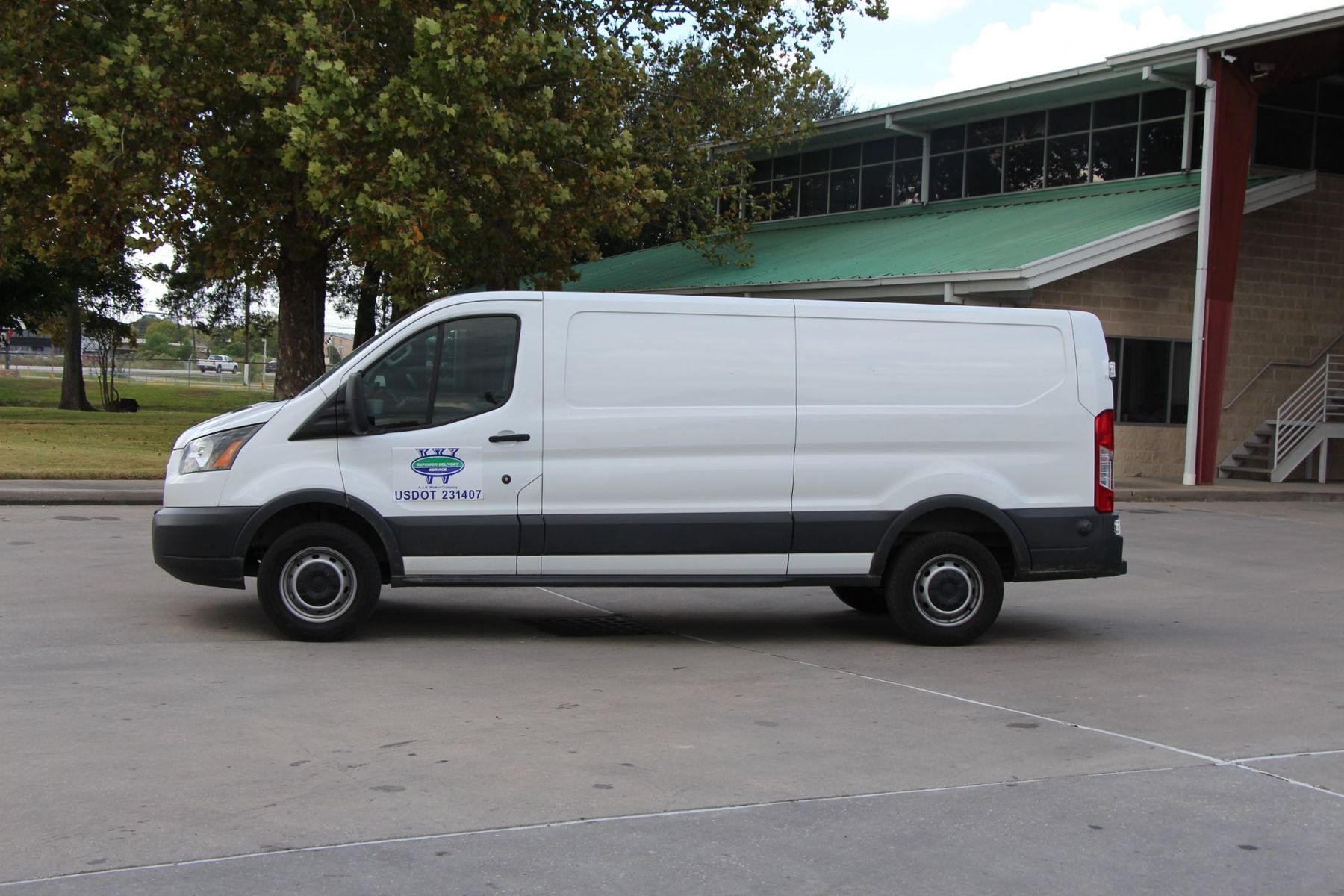
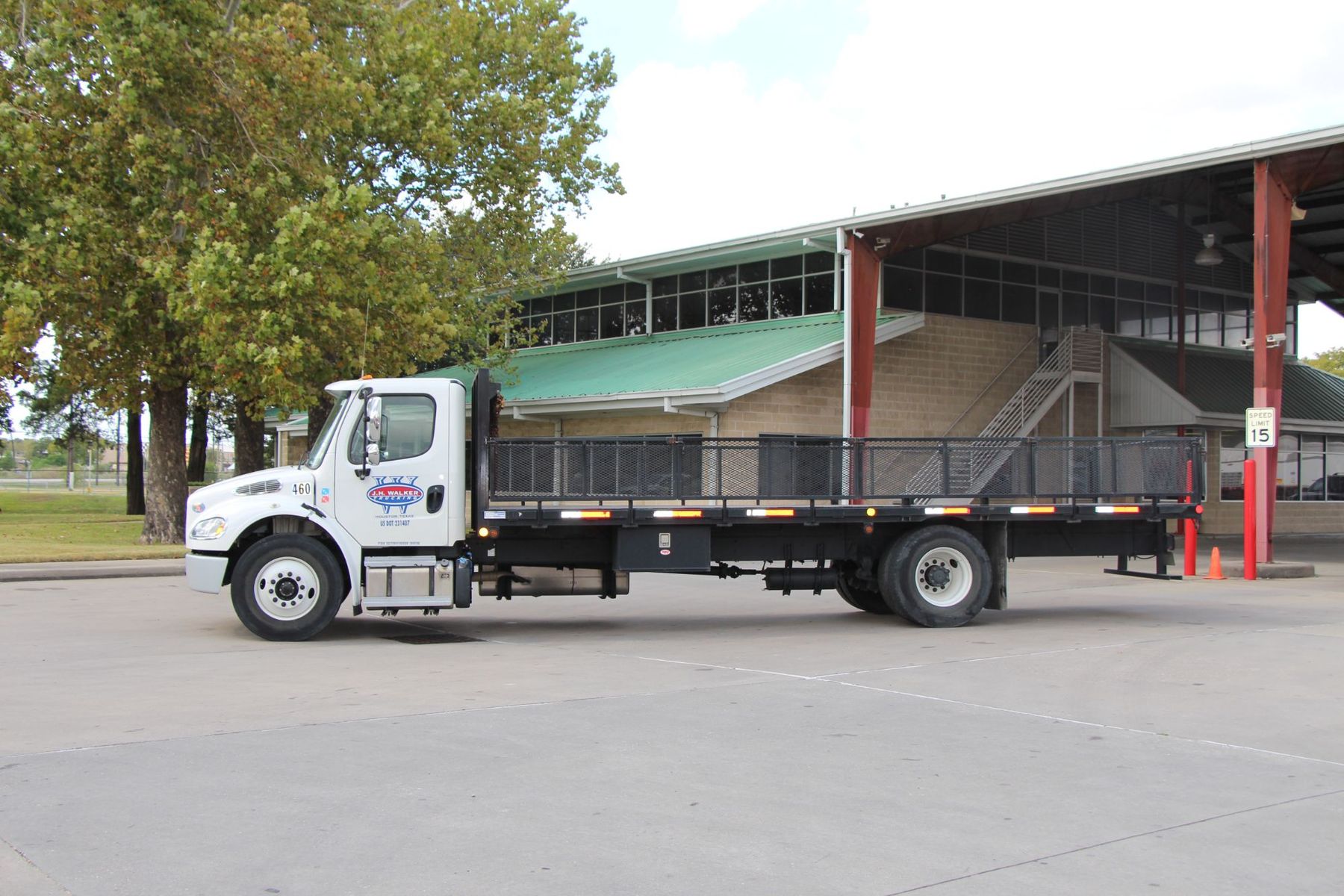
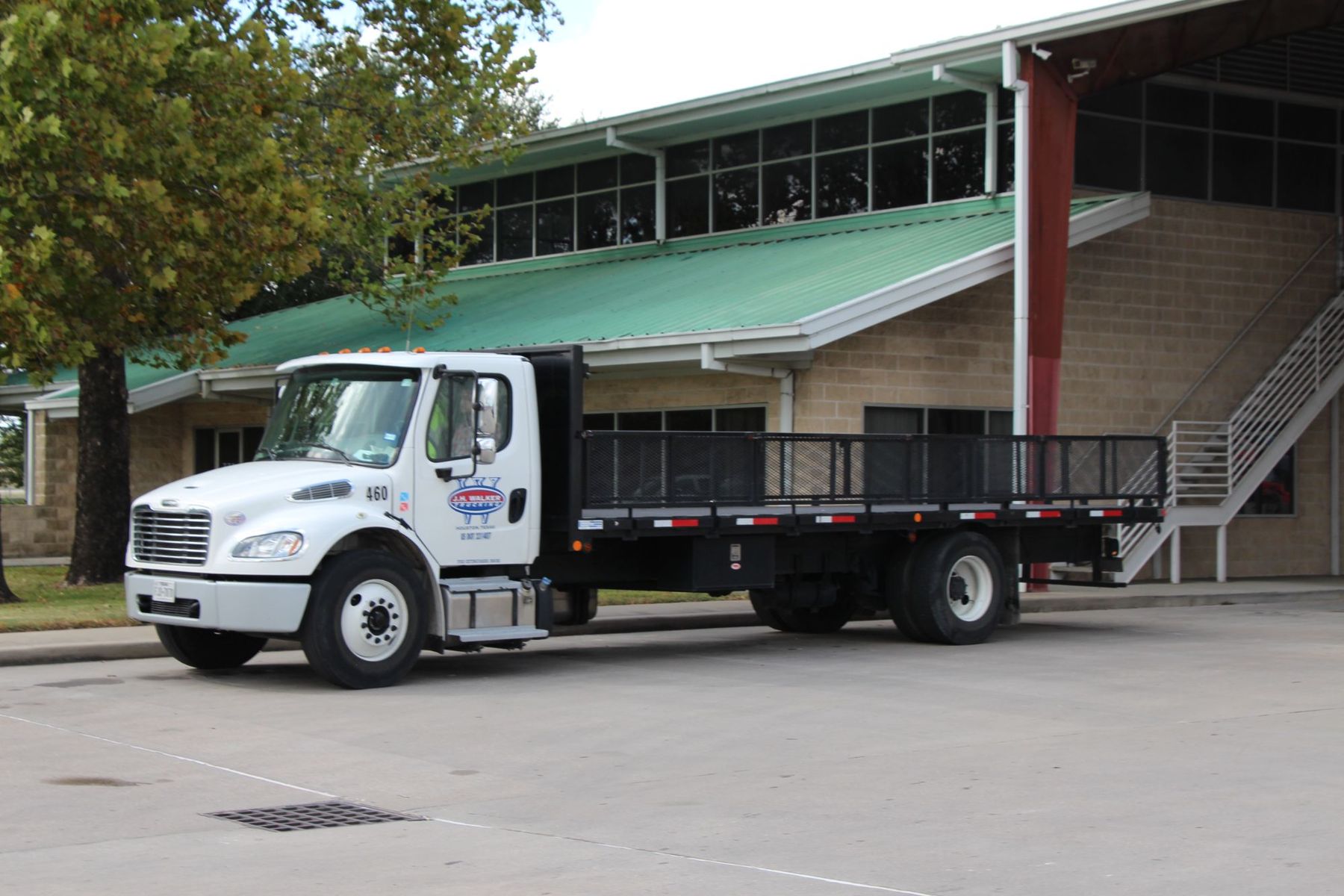
On dedicated truck programs, Superior uses its own in-house fleet software to right-size the fleet: how many trucks your routes need, not how many you happened to have.
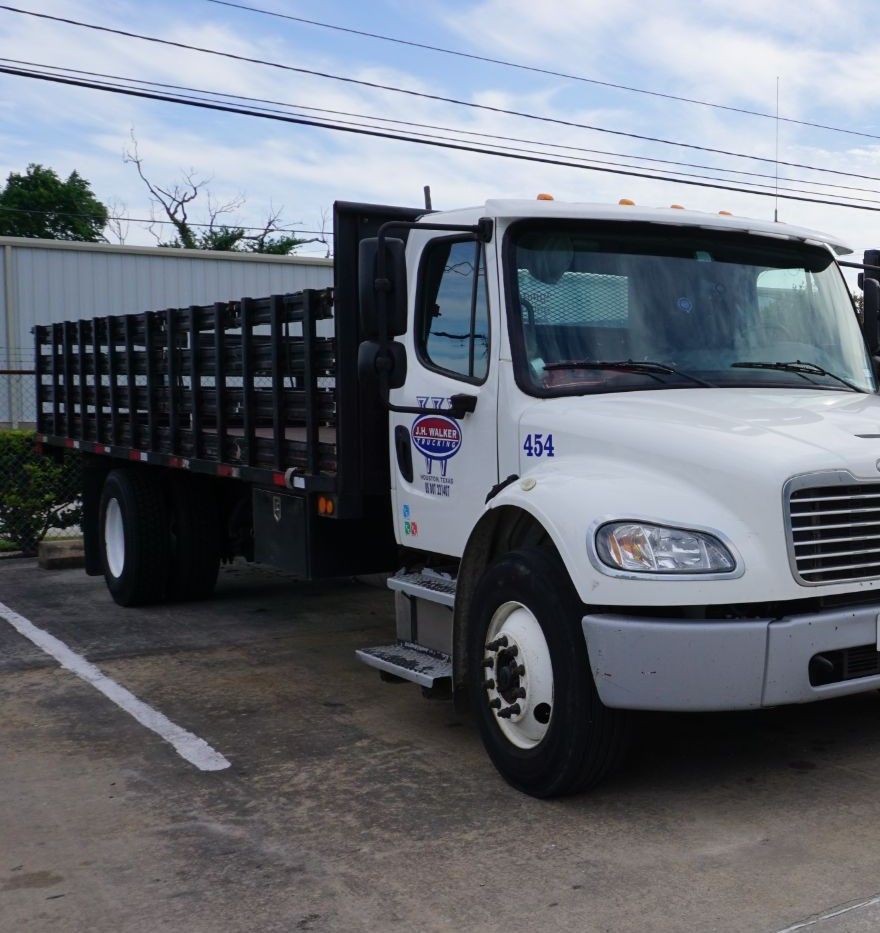
Superior then supplies, drives, insures and maintains those trucks, keeps your schedule and routes, and tracks them the same way as every other load.
Dispatch is up. 24/7.
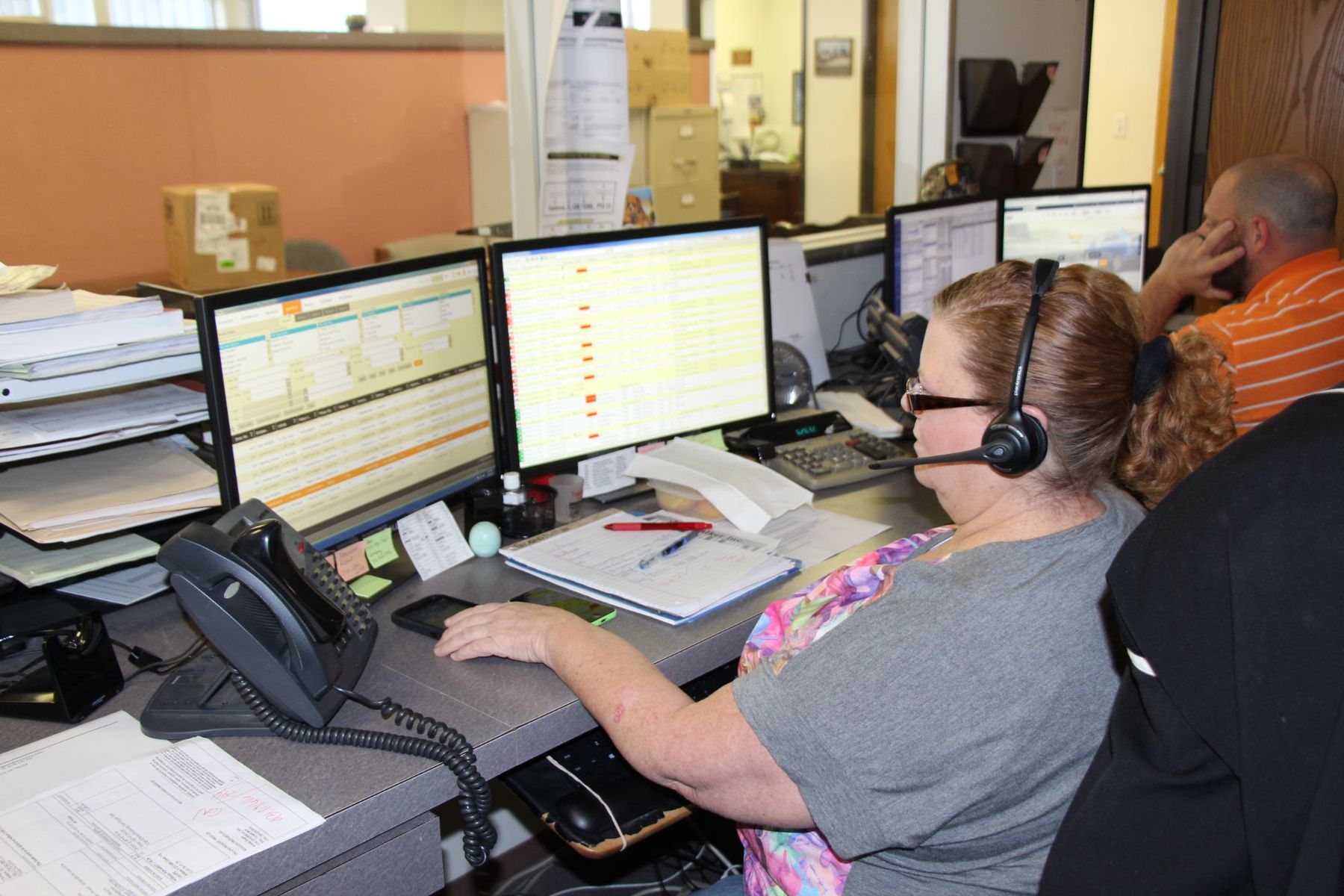
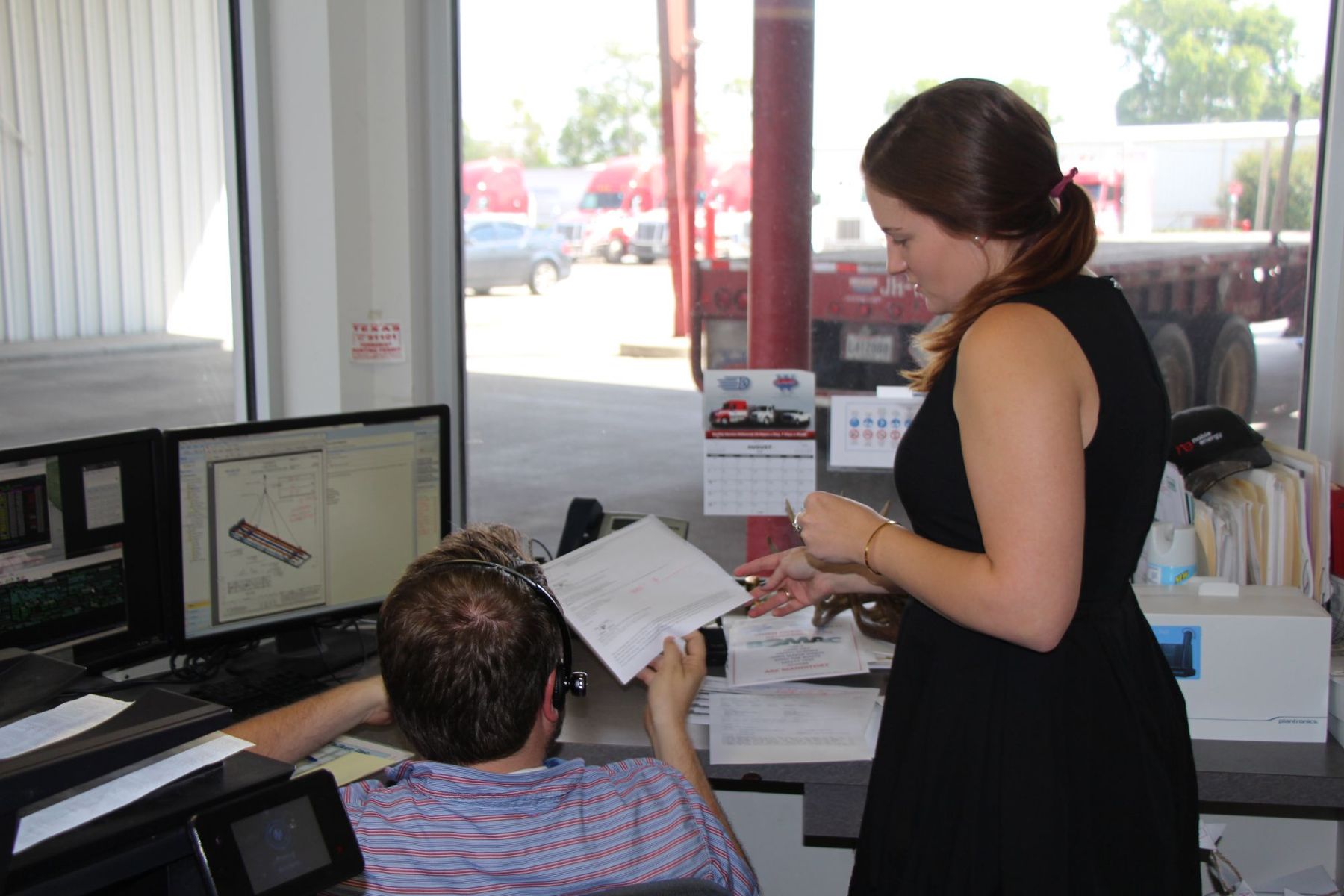
The map and the texts are tools. Behind them is a live dispatcher in your market, any hour of any day, watching every load and answering the phone when you call.
Each market has its own team and number: Houston 713-688-1900, Dallas–Fort Worth 972-736-8401, Austin 512-543-1500, San Antonio 830-216-8400 and Louisiana 985-868-8330.
More about Superior.
The services, trucks and safety record behind every tracked load.
Before you call.
What shippers ask about tracking. Anything else, dispatch is up 24/7 at 713-688-1900.
How do I track a load?
Every load comes with a live GPS link, a text at every milestone and a signed, photographed proof of delivery by email, in the customer portal or into your ERP.
Can I share the tracking link with my customer?
Yes. The live GPS link is made to be shared, with your customer, your counter or a crew at the jobsite.
Which texts will I get?
A text at every milestone: booked, dispatched, picked up and delivered, with the proof of delivery right behind the last one.
What is on the proof of delivery?
A signature and a photo of the freight at the drop. On overnight replenishment routes there is a photo at every stop.
Where do I log in to the customer portal?
At superiordelivery.net/ClientPortal, or from the Customer login link at the top of this site. Your loads, history and PODs are in one login.
Can proof of delivery go straight into our ERP?
Yes. Superior can send proof of delivery into your ERP by API. Ask dispatch to set it up.
Does every load get tracking?
Yes. Hotshot, dedicated, overnight, scheduled and same-day loads all come with the GPS link, the milestone texts and the proof of delivery.
Ship it. Watch it.
Call dispatch with the pickup, the drop and what’s moving. You’ll get the first text before the truck rolls.